
See the work. Know the next step.
The command-center concept is about making work understandable. In the current Office product, My Desk and Growth Rooms help you keep drafts, context and manual next-action notes together.
Explore Office ↗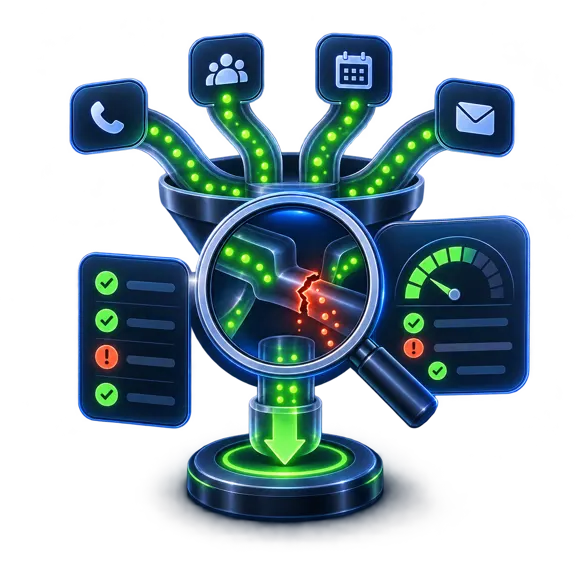
Begin with the record you actually have.
An AI conversation is not automatically a durable work item. Save the useful draft explicitly, then open the saved item to review it. Keep the next action in plain language so you know what to do when you return.
Office Solo adds Growth Rooms for separate projects. These are work containers, not evidence that calls, campaigns or customer systems are running in the background.
Keep states distinct.
A prepared draft, a reviewed item and a completed external action mean different things. Reviewing text does not establish that a customer received it. A saved note does not confirm an appointment.
The website workflow is an illustrative explanation of those states. The real-product image uses fictional test records; it is not a customer revenue report.
Scope the connected view separately.
If you need conversations, CRM opportunities or calendar outcomes in a combined view, define the sources and permitted actions first. Agree what evidence should establish completion and how failures should be visible. No connected analytics or revenue attribution is promised by an Office subscription.
Questions before you start.
Does Office show verified revenue attribution?+
That is not an included capability established here. Office provides drafting and work organization; connected attribution requires separate scope and verified data.
Where do I start with saved work?+
Try My Desk in Free. Review Office Solo if you need its larger drafting allowance and Growth Rooms.